
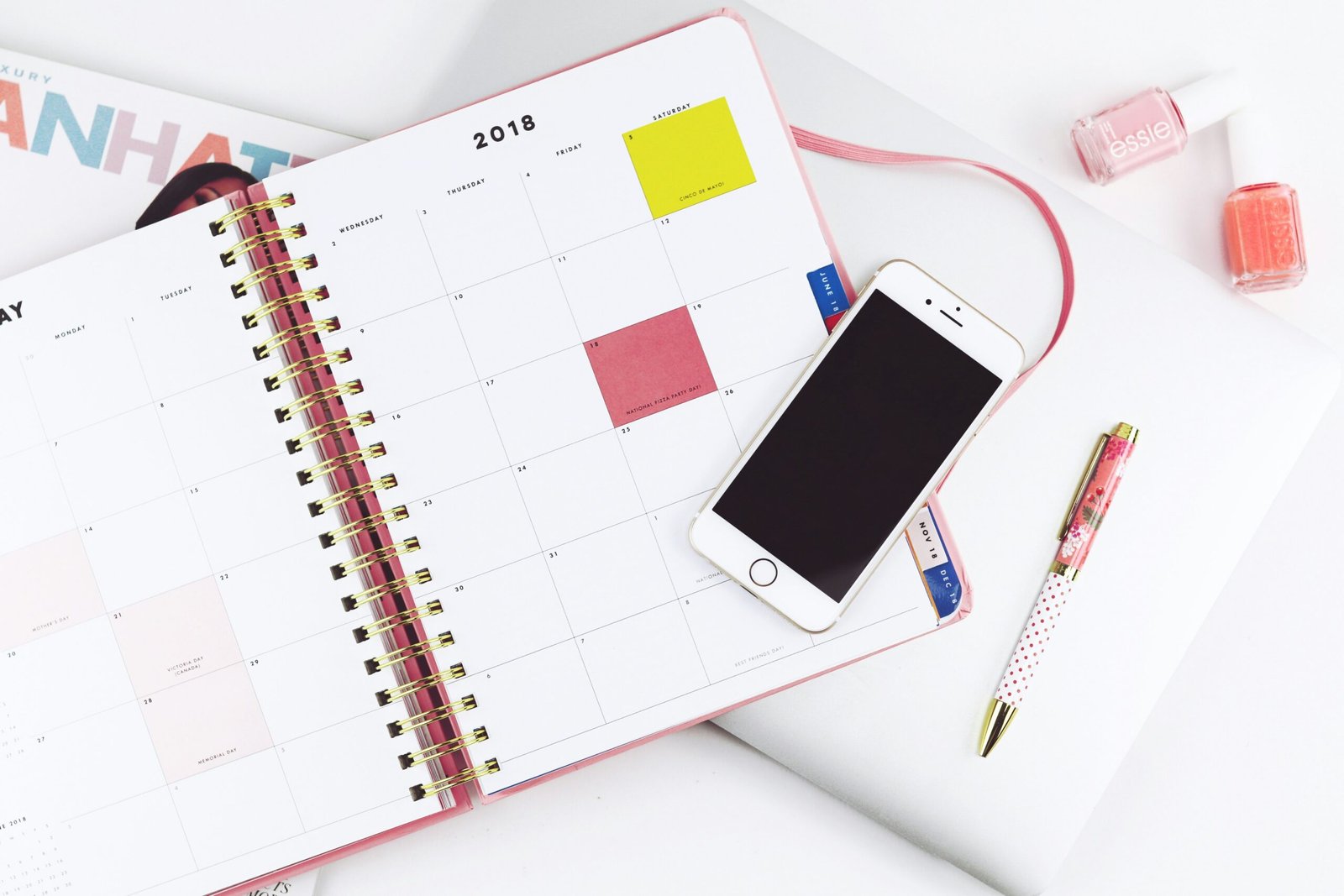
Maximize Productivity with Our Planner PDF
Feeling like your to-do list is a runaway train and you’re just desperately trying to keep up? You’re not alone. Many of us struggle to juggle work, personal life, and all the little things in between. The good news is, a well-designed planner PDF can be a surprisingly effective tool to help you get a handle on things. It’s not about magically giving you more hours in the day, but about helping you use the hours you do have more intentionally.
Let’s be honest, the idea of a planner can sometimes feel a bit… much. Like another thing to manage. But a good planner PDF is designed to be a framework, not a cage. It’s a space for you to organize your thoughts, prioritize your tasks, and actually see where your time is going. Think of it as your personal command center, allowing you to be more strategic about your day, week, and even month. It’s about clarity, focus, and ultimately, feeling more in control.
Finding Your Planning Style
Not everyone plans the same way, and that’s okay. What works for a freelancer might not be ideal for someone with a demanding 9-to-5. The beauty of a PDF planner is its flexibility. You can print it out, fill it digitally, or even combine sections from different planners to create your perfect system.
The Minimalist Approach
If you prefer simplicity, a planner with just the essentials is key. Think daily to-do lists, appointment slots, and maybe a small notes section. The goal here is to avoid overwhelming yourself with too many fields.
Daily Breakdown: Focus on the Essentials
- Task List: Simple bullet points for what absolutely needs to get done.
- Appointments: Clear slots for meetings, calls, or personal commitments.
- Quick Notes: A small space for spontaneous thoughts or reminders.
The Comprehensive Strategist
For those who like to dive deep, a planner with more detailed sections can be incredibly valuable. This might include goal-setting pages, habit trackers, project breakdowns, and weekly reviews.
Weekly Planning: Building a Solid Foundation
- Goal Setting: Dedicate space to outline your top priorities for the week.
- Task Allocation: Break down larger goals into smaller, actionable tasks.
- Time Blocking: Visually allocate specific time slots for different activities.
- Review and Reflection: A section to assess what went well and what could be improved.
The Visual Thinker
Some people thrive on visual cues. If this sounds like you, look for planners with ample white space, dedicated areas for mind maps, or even sections for sketching out ideas.
Visual Organization: Seeing is Believing
- Mind Mapping Space: Freeform areas to connect ideas visually.
- Project Outlines: Boxes or lines to map out project stages and dependencies.
- Inspiration Boards: A dedicated section to jot down or paste motivational quotes, images, or ideas.
If you’re interested in selling a planner or tracker PDF, you might find valuable insights in this related article that discusses effective strategies for marketing digital products. The blog post covers essential tips on how to create engaging content and reach your target audience, which can significantly enhance your sales efforts. To explore these strategies further, check out the article here: Effective Marketing Strategies for Digital Products.
How to Actually Use Your Planner PDF for Maximum Impact
Having a planner is one thing, but making it work for you is another. It’s about integrating it into your daily routine so it becomes a habit, not a chore.
The Power of Daily Planning
Starting your day with a clear plan is like giving yourself a roadmap. It helps you avoid drifting and ensures you’re working towards your objectives.
Morning Routine: Setting the Tone
- Review Your Schedule: Briefly look over your appointments for the day.
- Identify Top 3 Priorities: What are the most crucial tasks that must be done?
- Break Down Big Tasks: If a task seems overwhelming, break it into smaller, manageable steps.
- Estimate Time: Roughly gauge how long each task will take.
Throughout the Day: Staying on Track
- Check-ins: Briefly review your planner at natural transition points (e.g., after a meeting, before starting a new task).
- Adjust as Needed: Life happens. Don’t be afraid to reprioritize if something urgent comes up.
- Mark Off Completed Tasks: This provides a sense of accomplishment and momentum.
The Importance of Weekly Review and Planning
This is where the magic really happens. Looking back at your week and then forward to the next allows for continuous improvement and strategic adjustment.
Weekly Review: Learning and Adapting
- What Worked Well? Identify tasks or strategies that were particularly effective.
- What Didn’t Work? Pinpoint challenges or areas where you felt stuck.
- Accomplishments: Acknowledge what you achieved, no matter how small.
- Lessons Learned: What insights can you take forward?
Weekly Planning: Setting Yourself Up for Success
- Review Goals: Revisit your overarching goals and ensure your weekly plan aligns.
- Prioritize Tasks: Based on your review and goals, determine your key priorities for the upcoming week.
- Schedule Important Tasks: Block out time for your most critical work.
- Plan for Downtime: Don’t forget to schedule breaks and time for yourself.
Beyond To-Dos: Integrating Goals and Habits

A planner can be much more than a task list. It’s a powerful tool for personal growth and development when used to track your goals and habits.
Goal Setting: From Big Dreams to Actionable Steps
Vague goals lead to vague results. Your planner PDF can help you break down your aspirations into concrete, achievable steps.
Defining Your Goals
- SMART Goals: Ensure your goals are Specific, Measurable, Achievable, Relevant, and Time-bound.
- Long-Term Vision: What do you want to accomplish in 3 months, 6 months, a year?
- Short-Term Milestones: What smaller steps will get you to your long-term vision?
Breaking Down Goals into Tasks
- Actionable Steps: For each milestone, list the specific actions you need to take.
- Timeline Allocation: Assign deadlines to these smaller tasks.
- Dependencies: Note if any tasks need to be completed before others.
Habit Tracking: Building Positive Routines
Consistently engaging in positive habits is a cornerstone of productivity and well-being. A planner can be your accountability partner.
Identifying Key Habits
- What Habits Will Support Your Goals? Think about the daily or weekly actions that will move you forward.
- What Habits Will Improve Your Well-being? Consider habits related to health, mindfulness, or personal development.
Tracking Your Progress
- Daily Checkboxes: Simple boxes to mark off when a habit is completed.
- Streak Tracking: Seeing consecutive days of success can be highly motivating.
- Notes Section: Jot down any observations or challenges related to your habits.
Leveraging Your Planner PDF for Project Management

Whether it’s a personal project or a work assignment, a planner can provide the structure needed to keep things on track.
Breaking Down Projects
Large projects can feel daunting. Dividing them into smaller, manageable phases is crucial.
Project Phases and Milestones
- Define Project Scope: What are the key deliverables of this project?
- Outline Major Phases: Break the project into logical stages (e.g., Research, Development, Testing, Launch).
- Set Milestones for Each Phase: What are the critical checkpoints within each phase?
Task Management within Projects
Once phases are defined, you can assign specific tasks and deadlines.
Task Assignment and Deadlines
- List Specific Tasks: What actions need to be taken within each phase?
- Assign Responsibility (if applicable): If working with others, clearly designate who is doing what.
- Set Realistic Deadlines: Consider the time and resources required for each task.
- Dependencies: Understand which tasks must be completed before others can begin.
If you’re considering selling a planner or tracker PDF, you might find it helpful to explore strategies for effective digital product marketing. A related article on this topic can provide insights into how to attract your target audience and boost your sales. For more information, check out this informative piece on digital product marketing that offers valuable tips and techniques to enhance your online presence and maximize your profits.
Digital vs. Printable: Choosing the Right Format for You
| Metrics | Values |
|---|---|
| Number of PDF downloads | 500 |
| Conversion rate to purchase | 10% |
| Revenue generated | 1000 |
| Referral traffic from blog | 200 visitors |
The beauty of a PDF planner is its adaptability. You can choose the format that best suits your workflow.
The Case for Printable Planners
There’s something undeniably satisfying about the tactile experience of writing things down.
Benefits of Printing
- Tangible Record: A physical planner provides a clear, tangible overview of your commitments.
- Reduced Distractions: No notifications popping up to pull you away from your planning.
- Creative Freedom: Doodle, highlight, and make it your own without digital limitations.
- Easier Brainstorming: Many find it easier to brainstorm and mind-map on paper.
Tips for Using Printable Planners Effectively
- Dedicated Planning Space: Have a consistent spot where you do your planning.
- Quality Paper and Pens: Makes the experience more enjoyable and durable.
- Binder or Folder System: Keep your printed pages organized.
The Advantages of Digital Planners
For the tech-savvy, a digital planner offers a host of benefits, especially for syncing and accessibility.
Benefits of Digital Planners
- Accessibility: Access your planner from any device, anywhere.
- Editability: Easily make changes and corrections without making a mess.
- Searchability: Quickly find specific tasks, notes, or past entries.
- Integration: Many digital planners can sync with your calendar and other apps.
- Templates: Easy to duplicate pages or entire sections.
Tips for Using Digital Planners Effectively
- Choose the Right App: Several apps are designed for PDF annotation (e.g., GoodNotes, Notability, Adobe Acrobat).
- Organize Your Files: Create clear folders for different planner sections or projects.
- Regular Backups: Ensure your digital planner is backed up regularly.
- Keyboard Shortcuts: Learn shortcuts for faster navigation and input.
In conclusion, a planner PDF isn’t a magic bullet, but it’s a powerful tool when used with intention. By understanding its benefits and actively integrating it into your routine, you can move from feeling overwhelmed to feeling more organized, focused, and in control of your day. Experiment with different approaches, find what resonates with your personal style, and watch your productivity soar.